








Welcome to Our Help Desk.
You will get all the detailed information for your queries related to our Shopify apps.

-
Analytics

-
General
-
How to add a Form on my page?
-
Why use Our Embed Contact Us Form Builder
- Suitable for all Theme
- You can apply your own CSS and JS
- Add multiple receivers + BCC facilities
- Allow Duplicate Entry
- After form submission event
- Creating multiple forms
- Built-in Antispam
- Spam filter using ReCaptcha.
- Your own email Inbox Design
- File Upload Feature
- Add submitted form ID on subject
- Webhook for leads
-
Email Capture Tools and ReCaptcha
-
Plans and Settings
-
Other
-
App DashBoard
-
Questions and Answer
Allow Duplicate Entry
 6305 Views
 March 03, 2021
The form is totally restricted by yourself. If you don’t allow duplicate entries submitted then just need to uncheck “Allow duplicate form submission for the same email”.
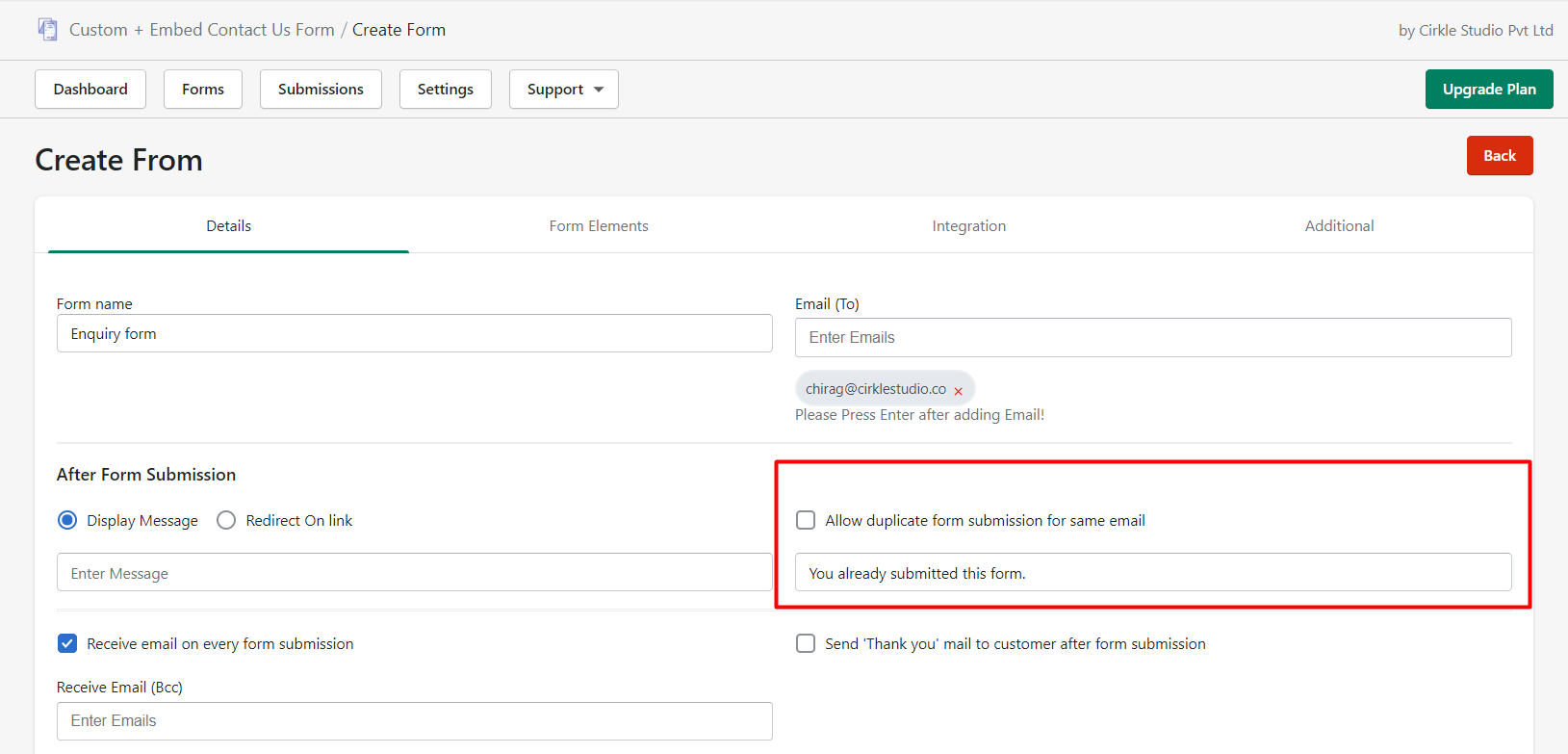
Now if the user submits the form using the same email then it is not allowed to submit it and displays the error message.
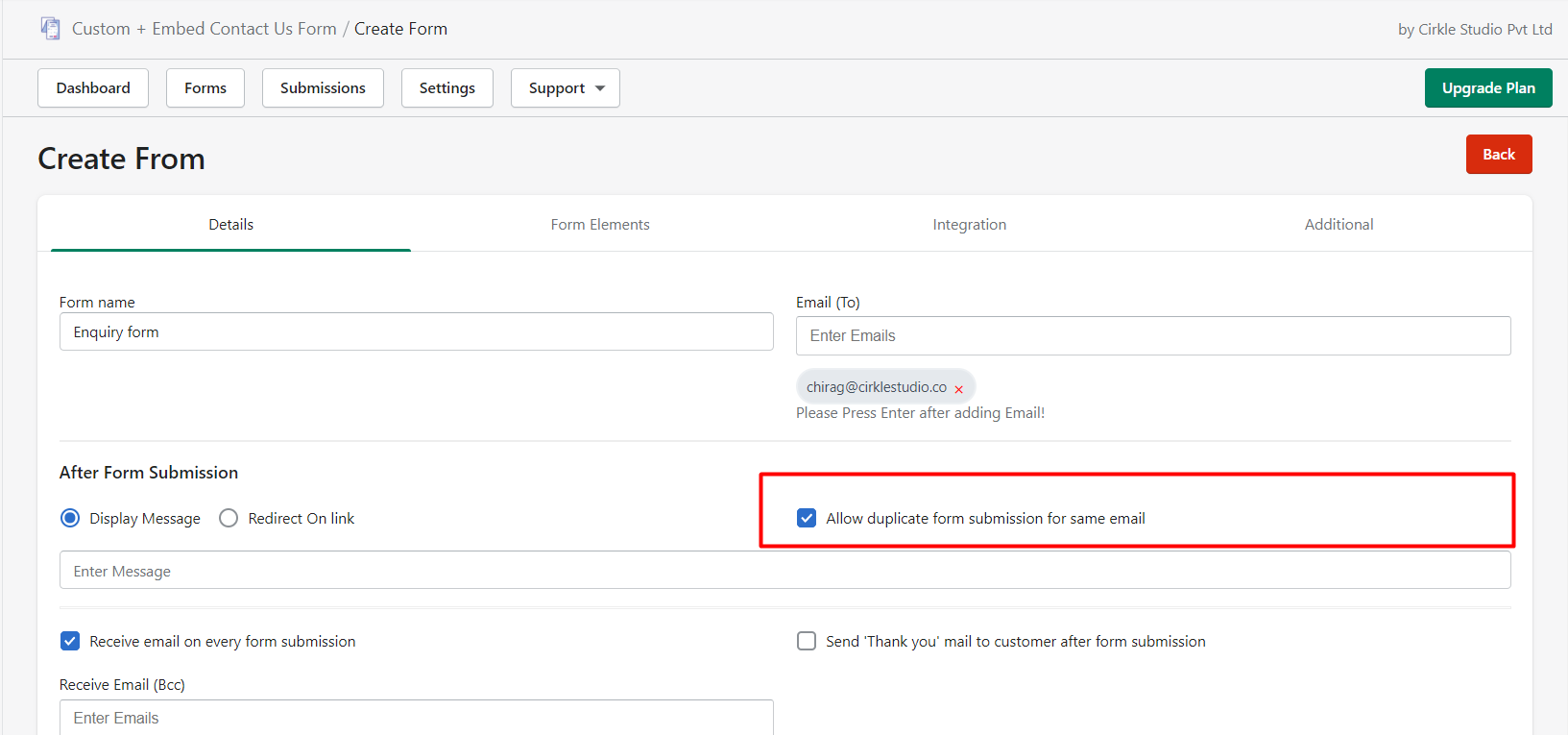
Now users can submit the form number of times with the same email address.