




Welcome to Our Help Desk.
You will get all the detailed information for your queries related to our Shopify apps.

-
Dashboard

-
Basic about Stores locators
-
Different Settings
-
Text & translations
-
Other
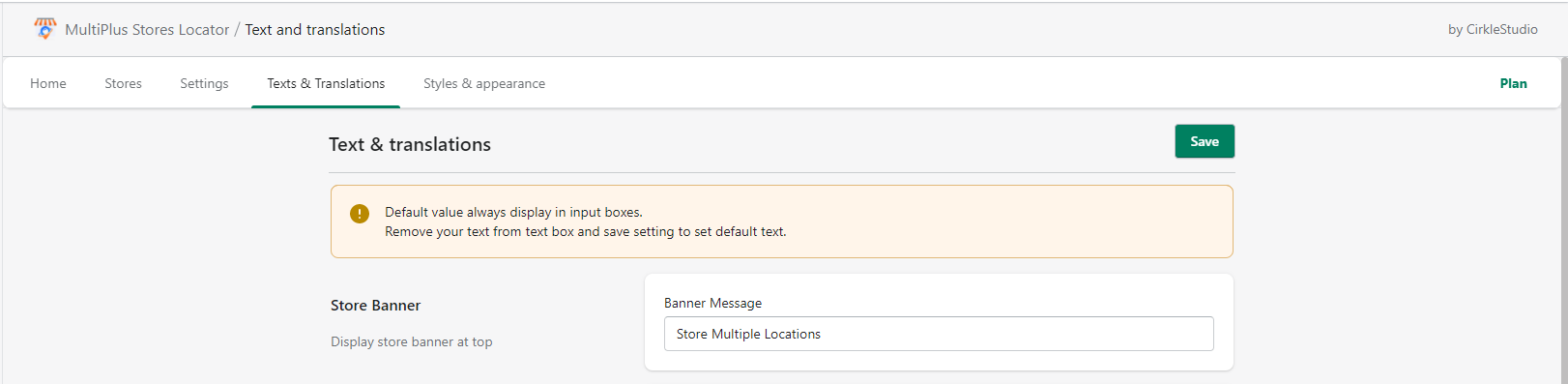
Store Banner
 6360 Views
 July 07, 2021
– you can change the banner message.
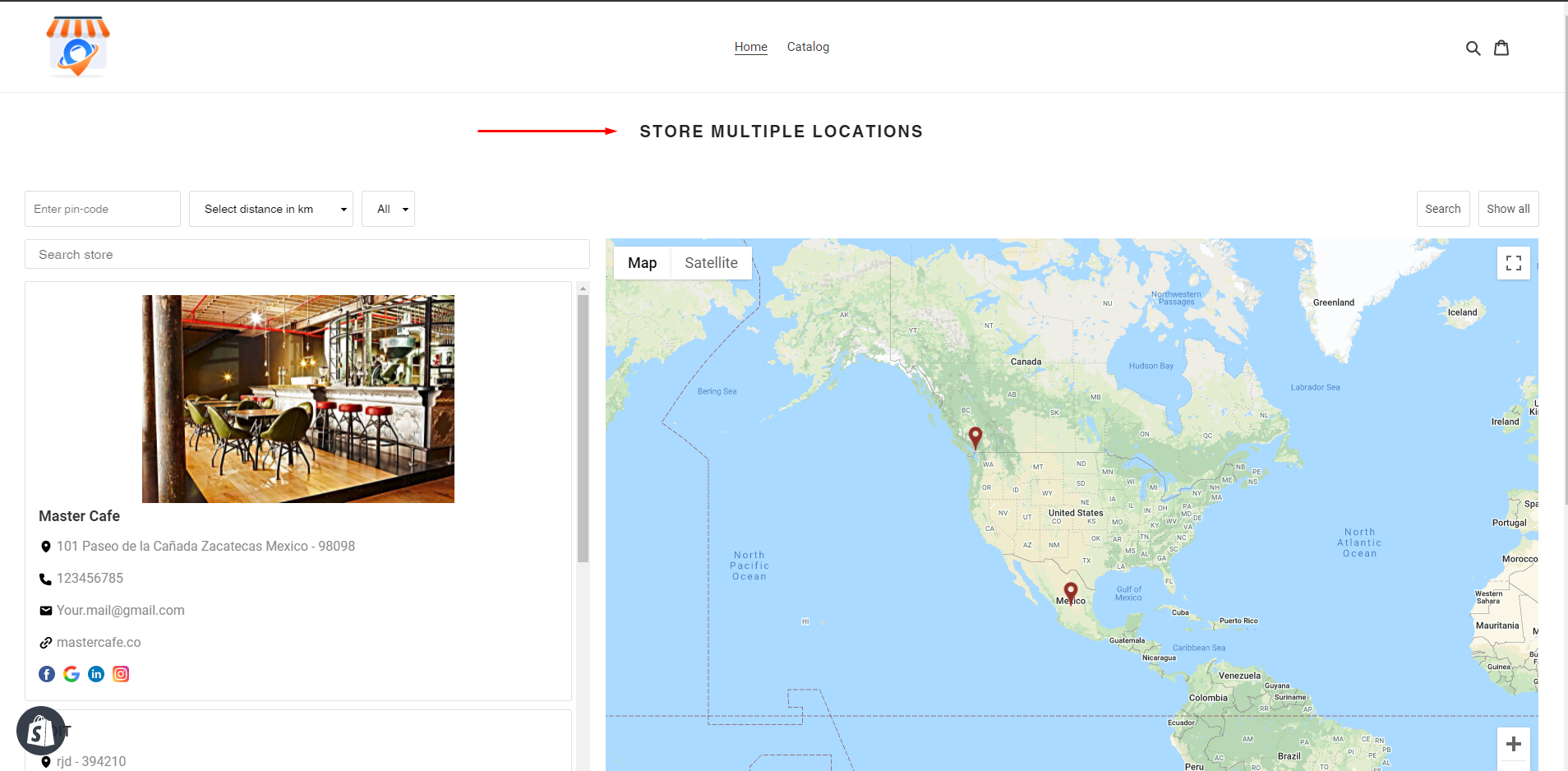
– Here is how its looks like an in-store locator app.