








Welcome to Our Help Desk.
You will get all the detailed information for your queries related to our Shopify apps.

-
Analytics

-
General
-
How to add a Form on my page?
-
Why use Our Embed Contact Us Form Builder
- Suitable for all Theme
- You can apply your own CSS and JS
- Add multiple receivers + BCC facilities
- Allow Duplicate Entry
- After form submission event
- Creating multiple forms
- Built-in Antispam
- Spam filter using ReCaptcha.
- Your own email Inbox Design
- File Upload Feature
- Add submitted form ID on subject
- Webhook for leads
-
Email Capture Tools and ReCaptcha
-
Plans and Settings
-
Other
-
App DashBoard
-
Questions and Answer
Conditional Emails (New Feature)
 6364 Views
 April 04, 2021
Based on a selection of Radio/Checkbox/Selectbox App will send you an email. Like Select box with Sales, Technical, General. If the user chooses Sales then an email will send to the Sales department. If choose Technical then an email will send to the Technical department.
When you add one of the select from the list you can see a popup where you add the field name and the options. Like below
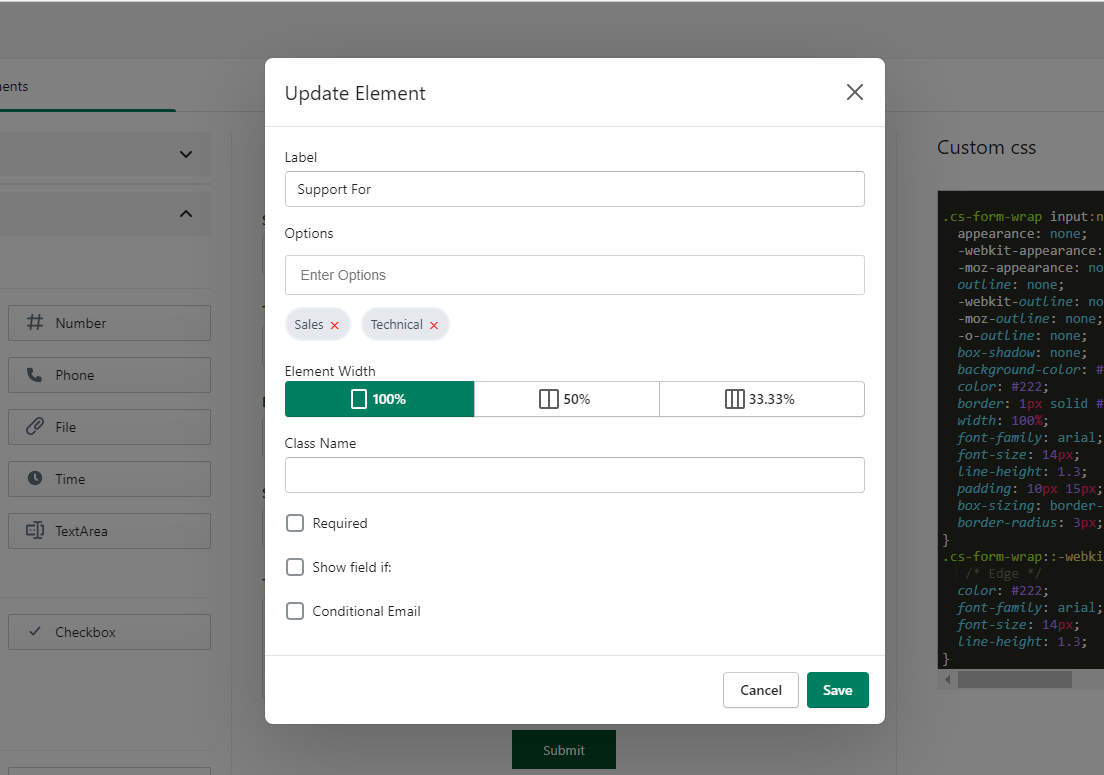
After adding your options you can see below “Conditional Email” checkbox.
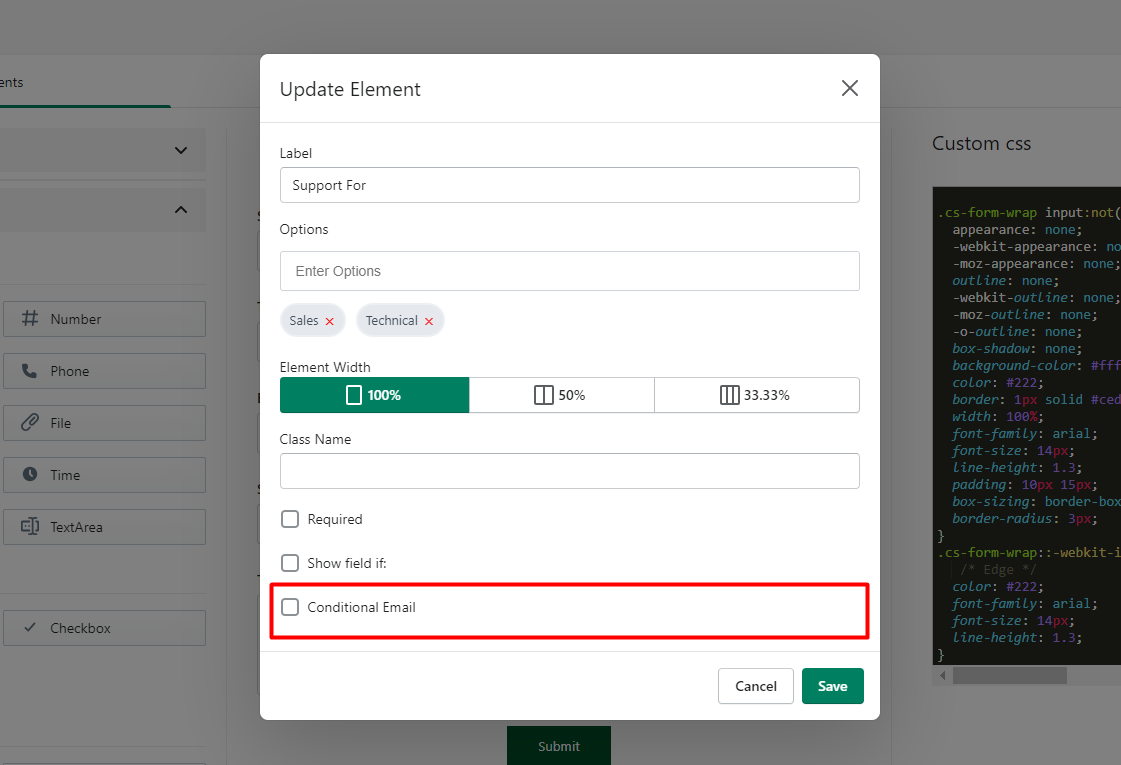
Just checked it and you will see all the options which you add for the field. Just add your email based on user selection. Like here in the example you can see I create two options one is Sales and one is Technical so I see two input fields.
Email for Sales
Email for Technical
Just add your email where you want to send an email on the input box when the user chooses the value.
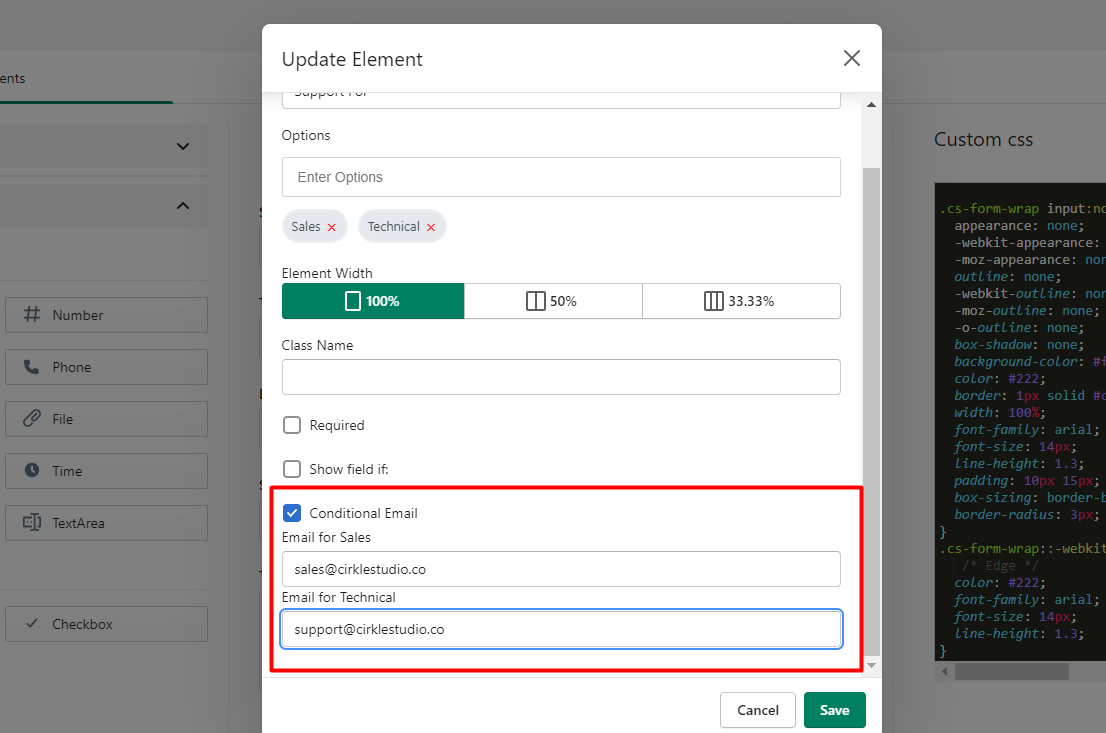
Now when the user selects “Sales” then an email will be sent to “[email protected]” and if the user selects Technical then an email will be sent to “[email protected]”